> ## Documentation Index
> Fetch the complete documentation index at: https://help.withallo.com/llms.txt
> Use this file to discover all available pages before exploring further.
# SMS & Messaging
> Send and receive text messages, set up automatic replies, and comply with US and French regulations.
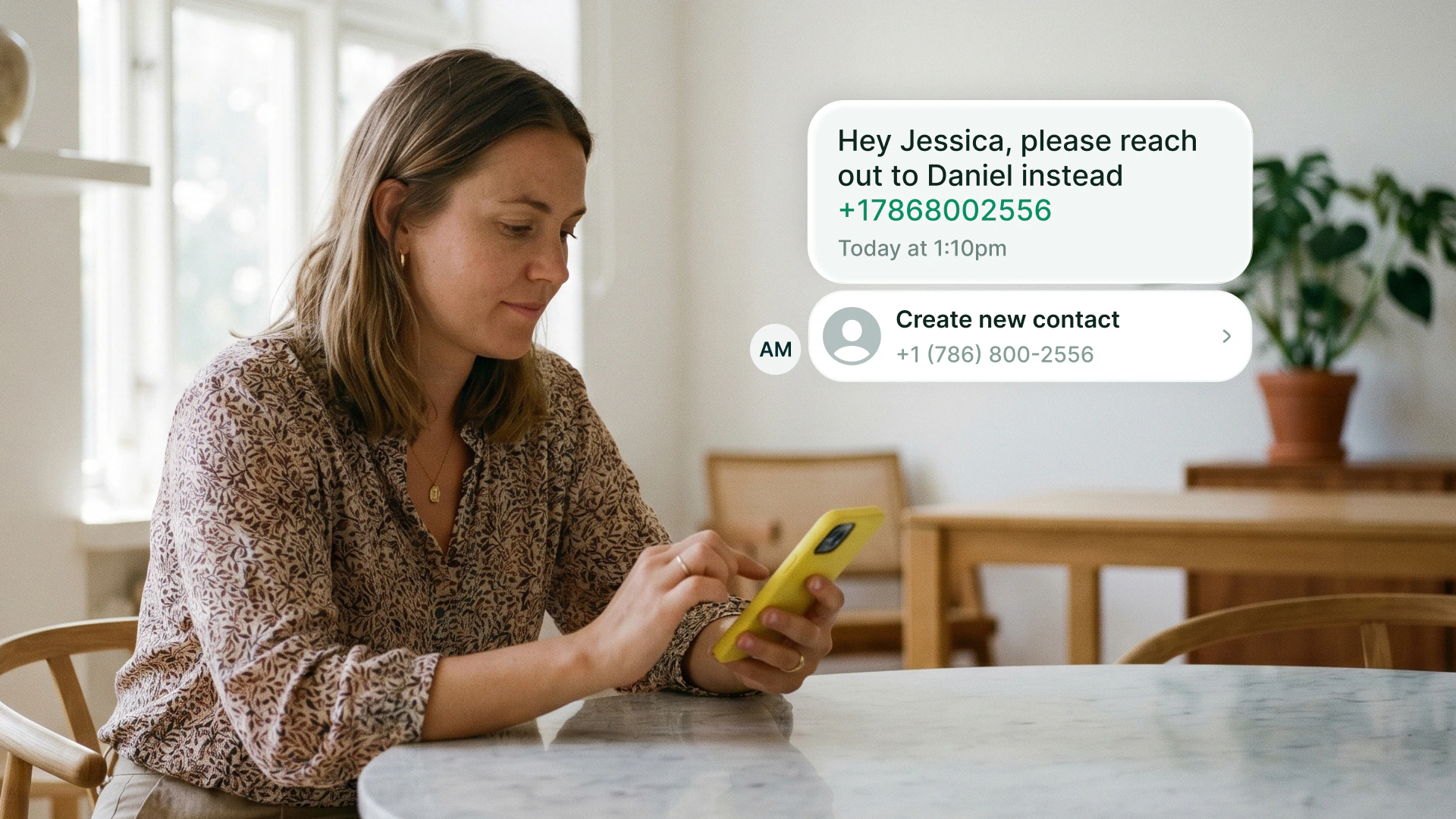
Allo lets you send and receive SMS directly from your business number. Text prospects back after a missed call, follow up after a meeting, or send appointment reminders.
SMS sending requires the **Business plan**. Starter users can receive SMS only.
***
## What you can do
| Feature | US / Canada | France |
| ---------------------------------- | --------------------------------------- | ------------------------------------------- |
| Send & receive SMS | ✅ (requires [10DLC](#us--canada-10dlc)) | ✅ |
| Send & receive MMS (images, media) | ✅ (requires [10DLC](#us--canada-10dlc)) | ❌ Not yet |
| Automatic SMS after missed call | ✅ (requires [10DLC](#us--canada-10dlc)) | ✅ (requires [Sender ID](#france-sender-id)) |
***
## Get started
Before you can send SMS, you need to complete a one-time registration. The process depends on your number's country.
US and Canadian carriers require **10DLC registration** before you can send any SMS. Without it, your messages are blocked.
Go to **Settings > Compliance** in your Allo dashboard.
One-time fee of **\$24** for your entire company. Covers all users and all numbers.
Once your brand is approved, create a campaign. You can assign up to **50 phone numbers** to a single campaign.
Approval takes **3 to 7 business days**. Start early so you don't hit any delays.
Once approved, the SMS composer appears in your Allo inbox and you can start sending immediately.
Yes. 10DLC registration is required for **any US number**, no matter where you're located.
Yes. 10DLC registrations don't transfer between providers. You'll need to re-register your brand with Allo.
You can send and receive manual SMS from your French number without any setup.
To enable **automatic SMS replies** after missed calls, you need to register a **Sender ID**. This is a requirement from French operators (ARCEP regulation) for any SMS sent automatically. The Sender ID displays your company name as the sender.
Go to **Settings > Compliance** in your Allo dashboard (desktop or web).
Enter your company name (3 to 11 characters, letters and digits only) and a sample message. Example name: "MOBILEFIRST". Example message: "Hi, thanks for your call. We'll get back to you shortly."
Approval typically takes **48 hours**. You will be notified when your Sender ID is active.
Once approved, automatic SMS replies for missed calls are unlocked.
No setup fee. You pay standard per-message rates included in your Business plan.
Generic terms ("Alert", "Bank", "Delivery") and names impersonating government agencies or major brands are blocked by AF2M. Your name must represent your actual business.
No, Alphanumeric Sender IDs are one-way only.
***
## Automatic SMS replies
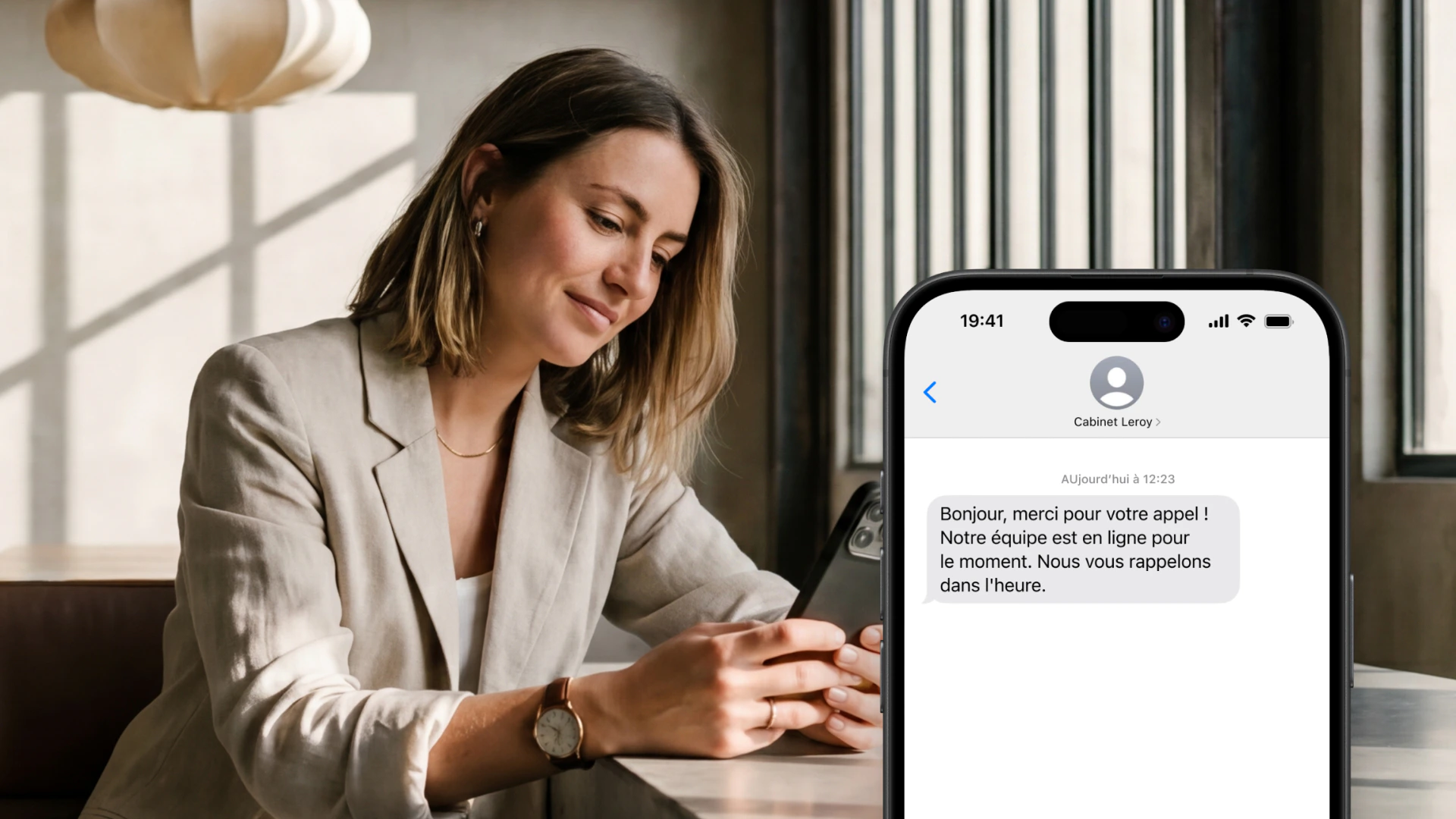
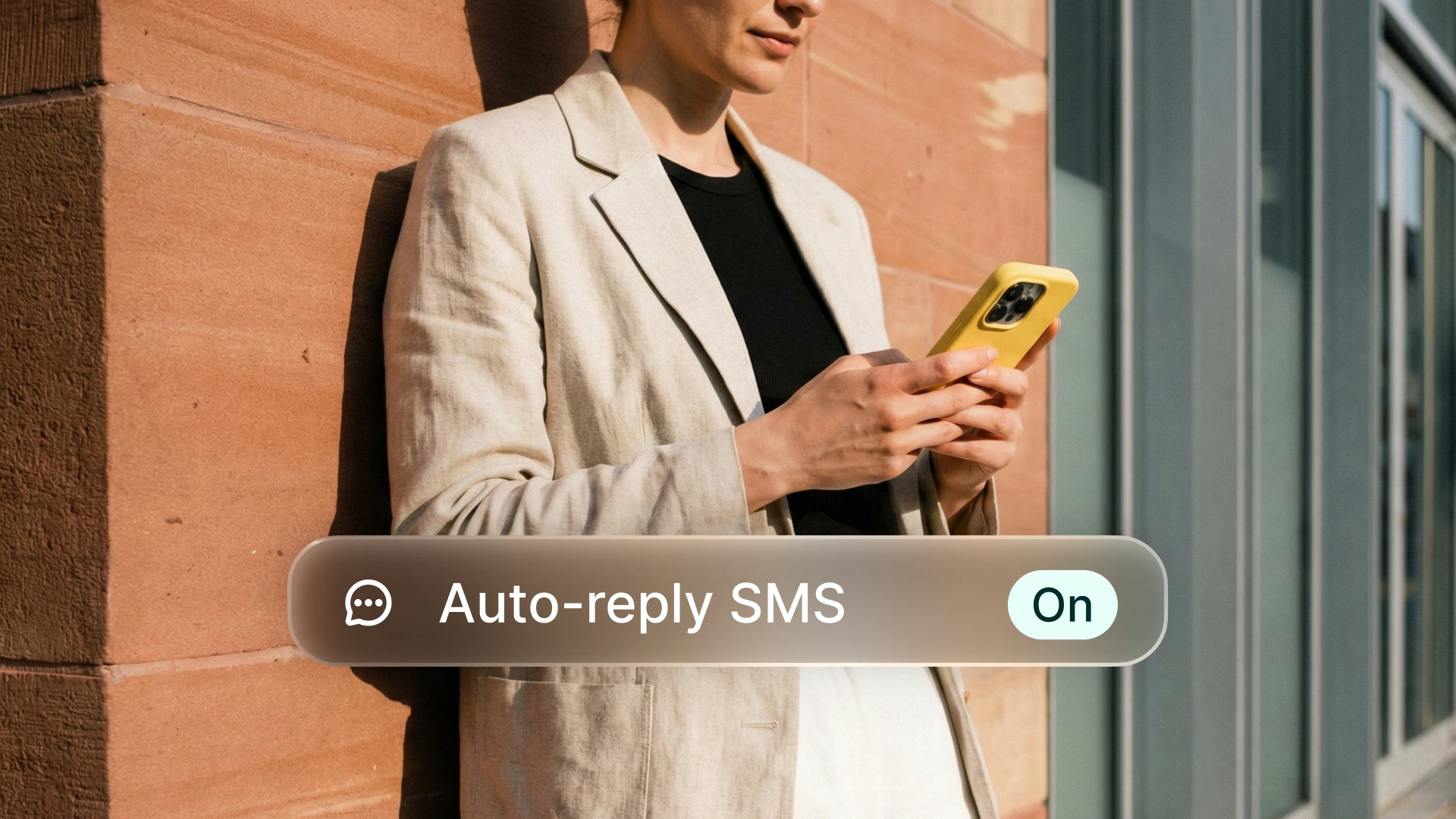
Never lose a lead to a missed call. Allo sends a text message automatically when you don't answer, so your caller knows you'll get back to them.
You can set **two distinct messages**:
* One for missed calls **during business hours** ("Thanks for calling, I'll get back to you within the hour")
* One for calls **outside business hours** ("Our office is closed, we'll call you back tomorrow morning")
Go to **Settings > Automatic SMS** in your Allo dashboard.
Write your business hours message and your after-hours message.
Activate the feature. Done.
**US / Canada numbers:** Requires **10DLC registration**. See the **US & Canada (10DLC)** tab above.
**French numbers:** Requires a registered **Sender ID**. See the **France (Sender ID)** tab above.
Once approved, the SMS composer appears in your Allo inbox and you can start sending immediately. Automatic SMS replies are also unlocked right away (go to **Settings > Automatic SMS**).
***
## Sending limits
| Period | All countries |
| ------------ | ------------- |
| During trial | 20 SMS / day |
| After trial | 500 SMS / day |
The same limits apply to US, Canadian, and French numbers. US/Canada numbers still require [10DLC](#us--canada-10dlc) registration and French numbers still require a [Sender ID](#france-sender-id) for automatic replies before any SMS can be sent.
### Segment-based limits (US/CA)
Your daily limit is counted in **segments**, not characters. A 161-character message = **2 segments**, not 1.
| Message type | Characters per segment |
| ------------------------- | ---------------------- |
| Plain text (GSM-7) | 160 |
| Unicode (emojis, symbols) | 70 |
Keep messages under 160 characters (plain text) to stay efficient.
SMS sent through the [API](/en/v2/api-reference/introduction) have a separate, higher limit of **1,000 SMS / day**.
***
## French SMS compliance
Sending business SMS in France requires following ARCEP (telecom), CNIL (data protection), and AF2M (industry charter) rules.
**B2C (consumer) SMS:** Explicit opt-in consent required before sending. Pre-checked boxes are illegal.
**B2B (professional) SMS:** No prior opt-in required, but the message must relate to the recipient's professional activity. You must identify yourself and offer opt-out.
* No marketing SMS on Sundays or French public holidays
* No marketing SMS between 20:00 and 08:00
* Transactional SMS (order confirmations, alerts) has no time restrictions
Every marketing SMS must include opt-out instructions. With an Alphanumeric Sender ID, include a short code reference in the message body (e.g., "STOP au 36179").
***
## FAQ
No. 10DLC (US/CA) is a one-time \$24 fee for your entire company. Sender ID (France) covers all your French numbers once approved.
MMS is not available for French numbers due to provider limitations. You can send and receive standard SMS text messages.
No. SMS sent via Sender ID are one-way: your client sees your company name, but cannot reply directly.
Yes. Starter users can receive SMS. Sending requires the Business plan.
Yes. Once configured, automatic SMS replies work regardless of which device you're using.
For B2B contacts, no prior opt-in is required. The message must relate to their professional activity, identify you as the sender, and include opt-out instructions.
Yes. 10DLC registrations don't transfer between providers. You'll need to re-register your brand with Allo and create a new campaign.
***
## Need help?
Get help from our team
Developer guide for sending SMS in France via API
 ***
## What you can do
| Feature | US / Canada | France |
| ---------------------------------- | --------------------------------------- | ------------------------------------------- |
| Send & receive SMS | ✅ (requires [10DLC](#us--canada-10dlc)) | ✅ |
| Send & receive MMS (images, media) | ✅ (requires [10DLC](#us--canada-10dlc)) | ❌ Not yet |
| Automatic SMS after missed call | ✅ (requires [10DLC](#us--canada-10dlc)) | ✅ (requires [Sender ID](#france-sender-id)) |
***
## Get started
Before you can send SMS, you need to complete a one-time registration. The process depends on your number's country.
***
## What you can do
| Feature | US / Canada | France |
| ---------------------------------- | --------------------------------------- | ------------------------------------------- |
| Send & receive SMS | ✅ (requires [10DLC](#us--canada-10dlc)) | ✅ |
| Send & receive MMS (images, media) | ✅ (requires [10DLC](#us--canada-10dlc)) | ❌ Not yet |
| Automatic SMS after missed call | ✅ (requires [10DLC](#us--canada-10dlc)) | ✅ (requires [Sender ID](#france-sender-id)) |
***
## Get started
Before you can send SMS, you need to complete a one-time registration. The process depends on your number's country.
 You can set **two distinct messages**:
* One for missed calls **during business hours** ("Thanks for calling, I'll get back to you within the hour")
* One for calls **outside business hours** ("Our office is closed, we'll call you back tomorrow morning")
You can set **two distinct messages**:
* One for missed calls **during business hours** ("Thanks for calling, I'll get back to you within the hour")
* One for calls **outside business hours** ("Our office is closed, we'll call you back tomorrow morning")