> ## Documentation Index
> Fetch the complete documentation index at: https://help.withallo.com/llms.txt
> Use this file to discover all available pages before exploring further.
# Numbers and users
> Two distinct building blocks — and why understanding the difference matters
## Two building blocks
Every Allo workspace is built on two distinct concepts: **phone numbers** and **users**. They're not interchangeable, and understanding the difference is key to setting up your team correctly.
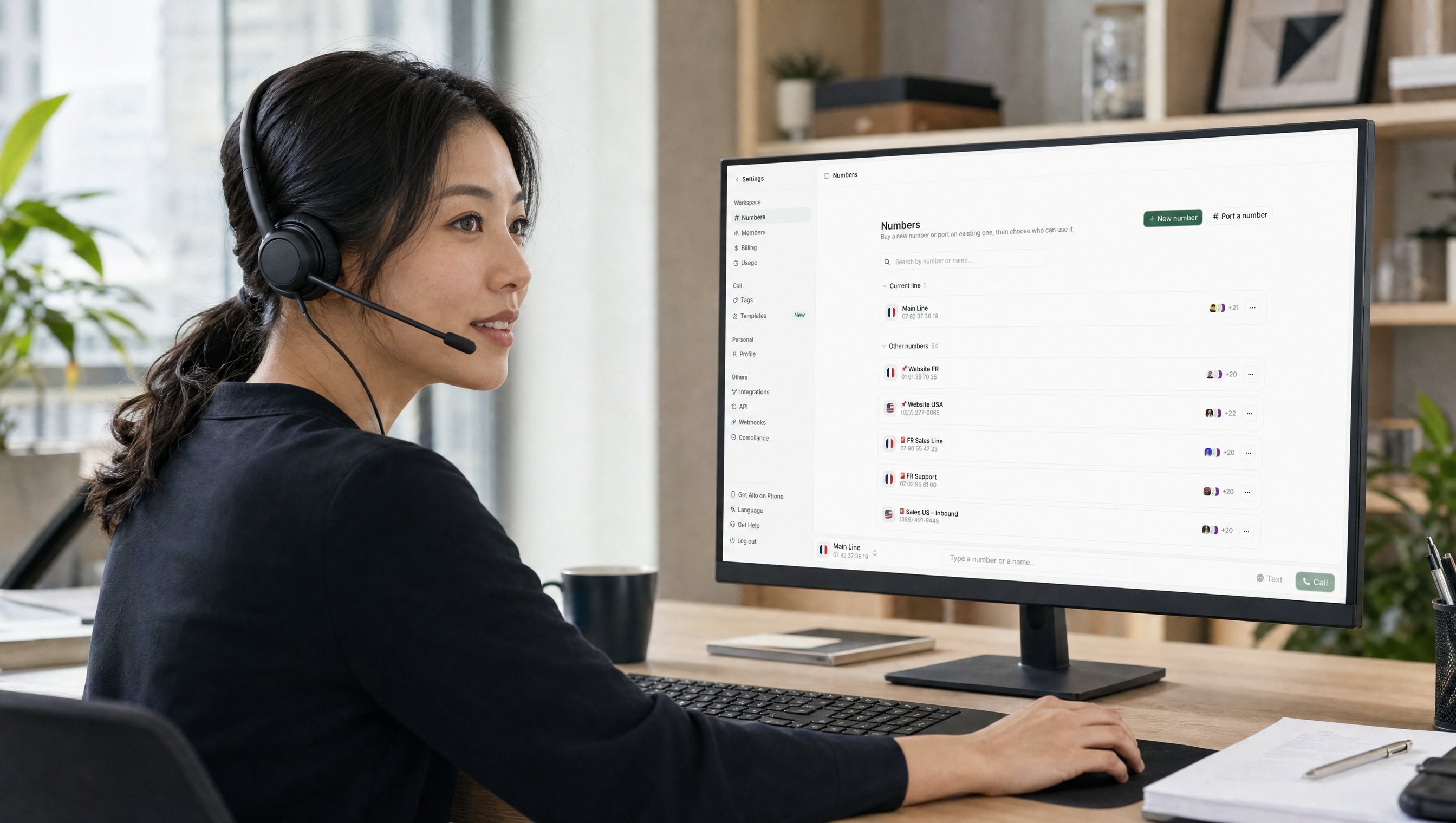 ### Phone numbers (lines)
A phone number is the line your callers dial. Each number has its own independent settings:
* Business hours
* Call routing (who rings when a call comes in)
* IVR menu
* Voicemail
A team can share one number — a single "Sales" line, for example — or have several, one per department or per person.
### Users
A user is a person with an Allo account. Each user:
* Has their own login and profile
* Occupies one seat on your plan
* Can be assigned to one or more numbers
* Is the one who answers calls
***
## How they connect
Users and numbers are independent. Adding one doesn't automatically configure the other.
**For a user to receive calls on a number, two things need to happen:**
1. They must be a member of your workspace (invited and signed in)
2. They must be assigned to that number — Settings → Numbers → select a line → add members
Once assigned, they can be added to that number's call routing, which determines whether and when they ring.
Assigning a user to a number and adding them to routing are two separate steps.
***
## What this means in practice
**Small team, one shared number**\
You don't need multiple numbers for multiple people to answer calls. One number + one Allo account per person is the standard setup. Each person needs their own account (seat), not their own number.
**Multiple users can be on calls at the same time**\
A shared number is not a single physical line. Two or more users assigned to the same number can each be on their own call simultaneously, inbound or outbound. If one user is in conversation, the next inbound call still rings every other available user instead of being dropped.
**Multiple lines**\
Add numbers when you want separate lines for different purposes: a main line, a support line, direct lines per rep. Each number has its own routing and business hours configured independently.
**One user, multiple numbers**\
A user can be assigned to several numbers at once — for example, an admin who handles both the main line and the support line.
***
## Common mix-ups
**"I invited a new team member — why aren't they ringing?"**\
Inviting someone adds them as a user, but doesn't automatically assign them to a number or add them to routing. Go to Settings → Numbers, select the line, and add them. Then configure routing.
**"Do I need a separate number for each person?"**\
No — unless you want individual direct lines. Multiple users can share one number and all be part of its routing.
***
## Related
Configure who rings when a call comes in on a number
Set availability per number
Invite users and assign them to numbers
Add more lines to your workspace
### Phone numbers (lines)
A phone number is the line your callers dial. Each number has its own independent settings:
* Business hours
* Call routing (who rings when a call comes in)
* IVR menu
* Voicemail
A team can share one number — a single "Sales" line, for example — or have several, one per department or per person.
### Users
A user is a person with an Allo account. Each user:
* Has their own login and profile
* Occupies one seat on your plan
* Can be assigned to one or more numbers
* Is the one who answers calls
***
## How they connect
Users and numbers are independent. Adding one doesn't automatically configure the other.
**For a user to receive calls on a number, two things need to happen:**
1. They must be a member of your workspace (invited and signed in)
2. They must be assigned to that number — Settings → Numbers → select a line → add members
Once assigned, they can be added to that number's call routing, which determines whether and when they ring.
Assigning a user to a number and adding them to routing are two separate steps.
***
## What this means in practice
**Small team, one shared number**\
You don't need multiple numbers for multiple people to answer calls. One number + one Allo account per person is the standard setup. Each person needs their own account (seat), not their own number.
**Multiple users can be on calls at the same time**\
A shared number is not a single physical line. Two or more users assigned to the same number can each be on their own call simultaneously, inbound or outbound. If one user is in conversation, the next inbound call still rings every other available user instead of being dropped.
**Multiple lines**\
Add numbers when you want separate lines for different purposes: a main line, a support line, direct lines per rep. Each number has its own routing and business hours configured independently.
**One user, multiple numbers**\
A user can be assigned to several numbers at once — for example, an admin who handles both the main line and the support line.
***
## Common mix-ups
**"I invited a new team member — why aren't they ringing?"**\
Inviting someone adds them as a user, but doesn't automatically assign them to a number or add them to routing. Go to Settings → Numbers, select the line, and add them. Then configure routing.
**"Do I need a separate number for each person?"**\
No — unless you want individual direct lines. Multiple users can share one number and all be part of its routing.
***
## Related
Configure who rings when a call comes in on a number
Set availability per number
Invite users and assign them to numbers
Add more lines to your workspace